Option 1
- Go to GVRAT Race Page on Runsign up and Signin using your Runsignup Credentials.
https://runsignup.com/Race/TN/Memphis/TheGreatVirtualRaceAcrossTennessee1000K
2. Click on your profile and choose “My Races”
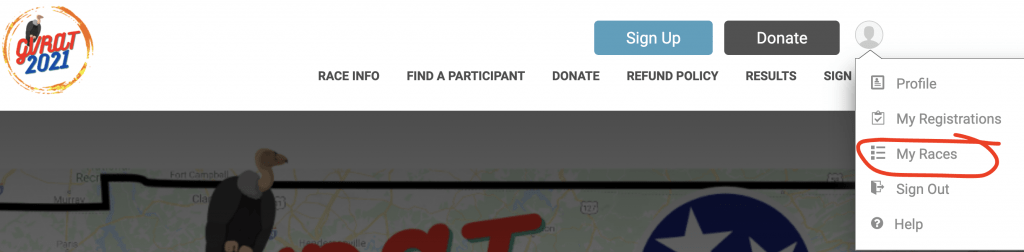
3. Find The Great Virtual Race Across Tennessee 1000K and click “View Digital Bib” as shown below
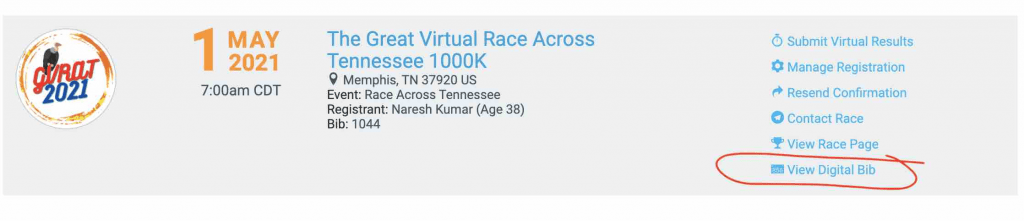
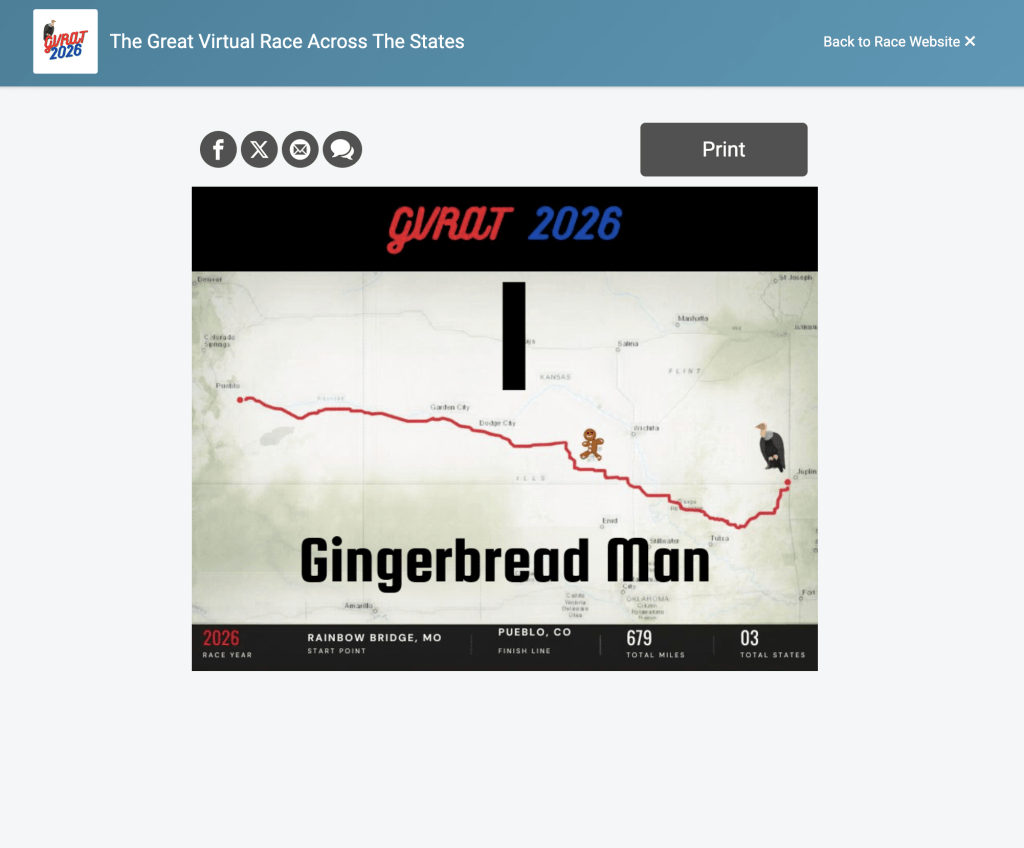
4. You can choose to print the bib or right click on the Bib image to save it as image to your computer (Easy to share the image to Social Media)

Option 2:
Please click this link: https://runsignup.com/Race/TN/Memphis/TheGreatVirtualRaceAcrossTennessee1000K
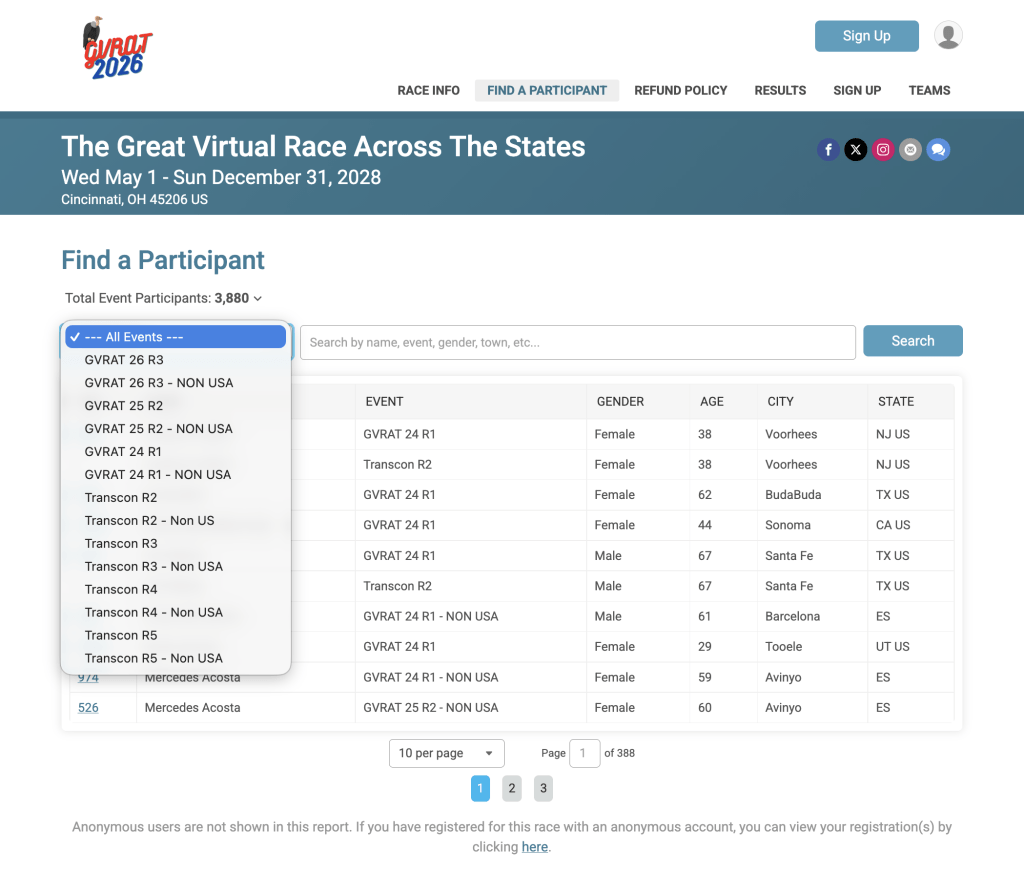
and click ‘Find a Participant’.
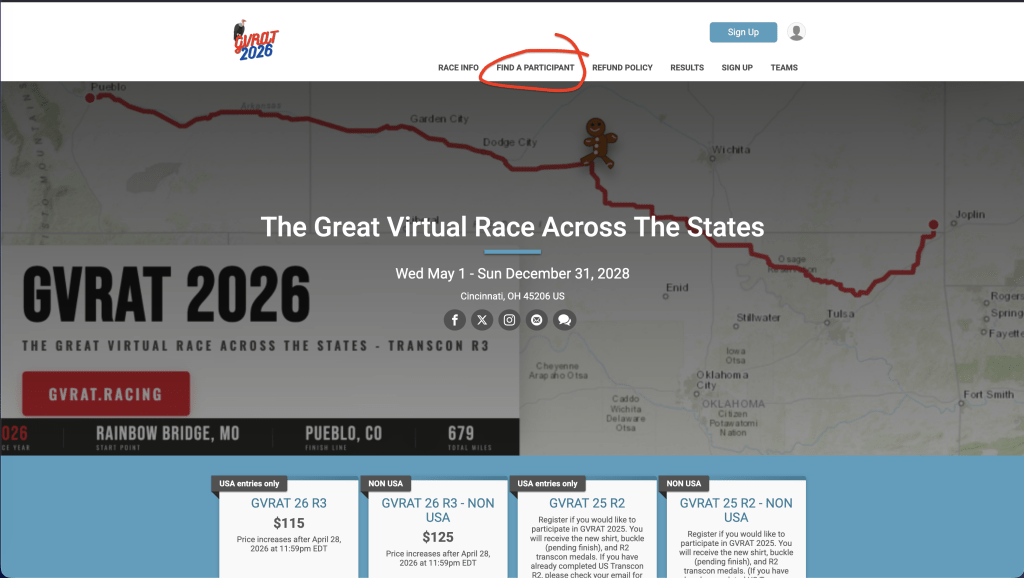
Select the event GVRAT 26 R3/GVRAT 26 R3 – NON USA .
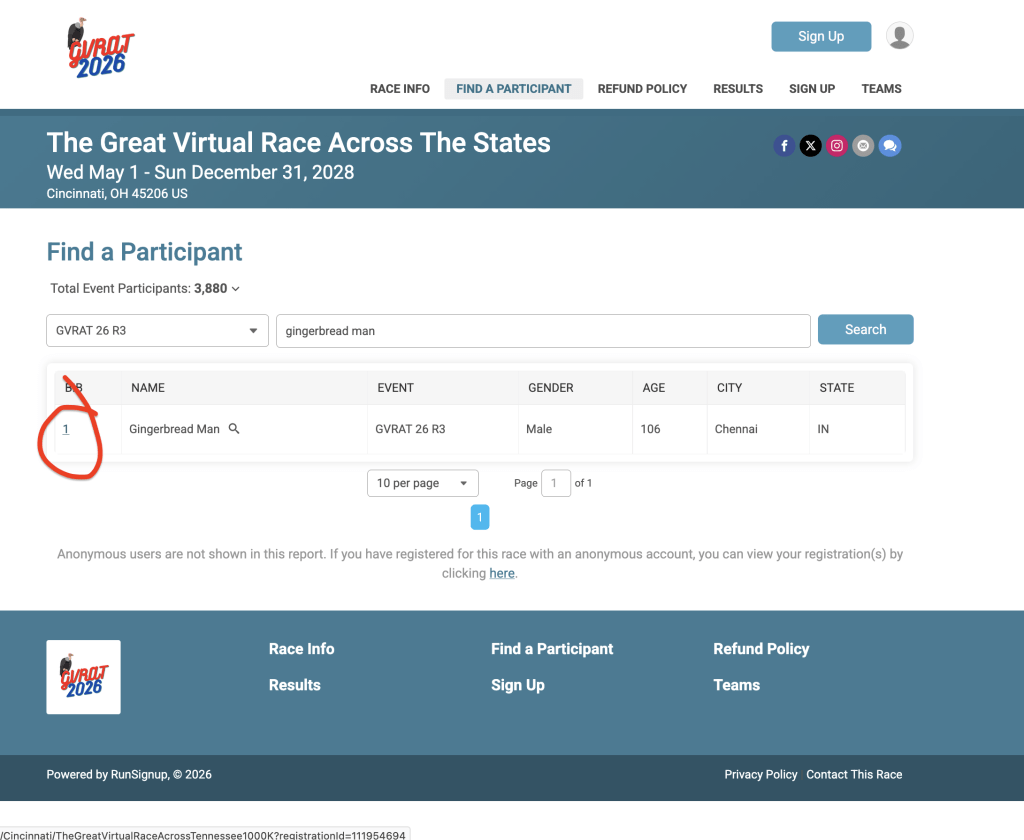
Search for your Name and click the BIB number to view/print/download your BIB.